
Website speed matters more than ever. A slow website can frustrate visitors, reduce engagement, and hurt online sales. In many cases, the problem is not only the website design or images. Web hosting can also have a major effect on how quickly a website loads.
When you choose web hosting, you may see many features on a pricing page. Some sound impressive, while others may not make a big difference for your website. So, which web hosting features really matter for performance?
The answer depends on your website, but server speed, storage technology, network quality, uptime, resource limits, and caching are some of the most important factors. Understanding these features can help you choose hosting that gives your visitors a faster and smoother experience.
Fast Servers and Enough Resources
The first thing to check is the server's available resources. Your website needs resources such as CPU, RAM, and storage to process requests. When these resources are too limited, your website may become slow, especially when many visitors arrive at the same time.
For example, imagine a small online store. It may work well with a few visitors. However, during a sale, hundreds of people may visit at once. If the hosting plan has strict resource limits, pages can take longer to load. This is why you should not choose web hosting only because it has a low monthly price.
Look at what the plan actually provides. A small blog may work well with basic shared hosting. A growing business website may need more resources. A busy online store or web application may need VPS or cloud hosting.
The simple rule is: choose enough resources for your current traffic and expected growth.
Also check whether the provider clearly explains CPU, RAM, storage, and resource limits. Clear limits make it easier to know what you are paying for.
Choose Fast Storage and Good Network Performance
Storage technology can also affect website performance.
Older hard disk drives, or HDDs, are slower than modern SSD storage. NVMe SSD storage can provide even faster data access because it is designed for high-speed data transfer. This can help websites handle files and database requests more quickly.
However, fast storage alone does not make a website fast. Your hosting provider also needs a good network. A server with fast storage but a poor network connection can still deliver a slow experience. Network latency is another important factor. Latency is the time it takes for data to travel between the visitor and the server.
For example, if most of your customers are in the United States, choosing a server location close to your main audience can reduce network distance. A global audience may benefit from a CDN that stores and delivers website content from locations closer to visitors.
So, when comparing web hosting, look at both server performance and network performance. A good combination can help your website respond faster and handle more requests.
Look for Caching, CDN, and Reliable Uptime
Caching is one of the most useful web hosting features for website speed. A cache stores commonly requested website content so the server does not need to create the same content again for every visitor. For example, if 100 people visit the same page, caching can allow the server to deliver a stored version instead of processing the page from scratch each time.
This can reduce server work and improve load times. A CDN, or Content Delivery Network, can help too. A CDN uses servers in different locations to deliver static website files such as images, CSS, JavaScript, and other content.
This is especially useful when visitors are spread across different countries or regions. Uptime is also important. A fast website is not useful if it keeps going offline. Look for a provider that offers reliable infrastructure and a strong uptime record.
However, do not choose a provider based only on an “uptime guarantee” shown on a sales page. Check what the guarantee actually covers and whether there are exclusions.
For better performance, look for:
- Server-side caching
- CDN support
- SSD or NVMe storage
- Reliable network connections
- Strong uptime
- Regular server maintenance
These features work together rather than working alone.
Match Web Hosting to Your Website Needs
One of the biggest web hosting mistakes is choosing a plan based only on price.
The cheapest plan may be enough for a personal blog. But it may not be suitable for a busy business website or online store.
Start by asking a few simple questions.
How many visitors do you receive?
What type of website do you run?
How much storage do you need?
Do you expect traffic to grow?
Do you need WordPress, databases, or special software?
For example, a small portfolio website may need very few resources. A WordPress business website may need better CPU, RAM, caching, and database performance. An eCommerce website may need even more resources because customers, product searches, carts, and payments create more server requests.
If your website is growing quickly, look for web hosting that allows easy upgrades. You should be able to move from a basic plan to a larger plan without rebuilding your website from scratch.
Security also deserves attention. DDoS protection, malware scanning, SSL support, backups, and secure server systems can help protect your website. A security problem can affect both availability and performance.
What Should You Prioritize?
When choosing web hosting for better website performance, do not focus on one feature.
Look at the complete hosting environment.
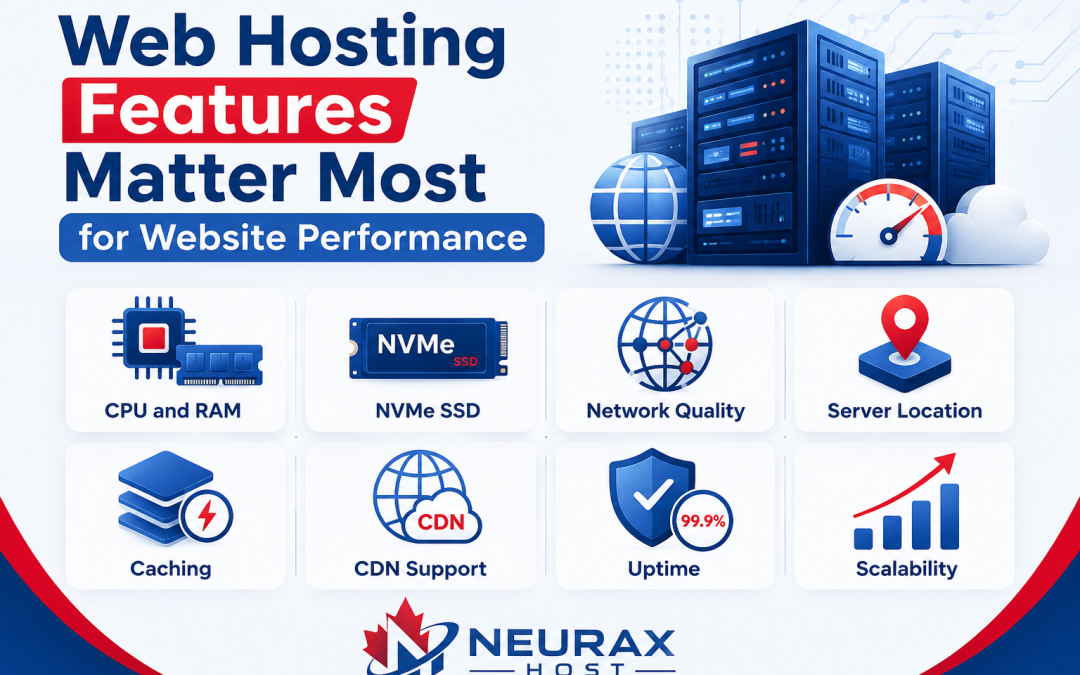
| Web Hosting Feature | Why It Matters |
| CPU and RAM | Helps process website requests |
| NVMe SSD | Faster data access |
| Network quality | Helps reduce delays |
| Server location | Can improve regional response times |
| Caching | Reduces repeated server work |
| CDN support | Delivers content closer to visitors |
| Uptime | Keeps your website available |
| Scalability | Helps handle future growth |
The best web hosting is not always the most expensive option. It is the one that gives your website the right resources, reliable performance, strong network, useful caching, and room to grow.
Before choosing a provider, compare these features instead of looking only at the monthly price. A good hosting plan creates a strong foundation for website speed. When your hosting, website code, images, database, and caching are all optimized together, visitors get a faster and more reliable experience.