
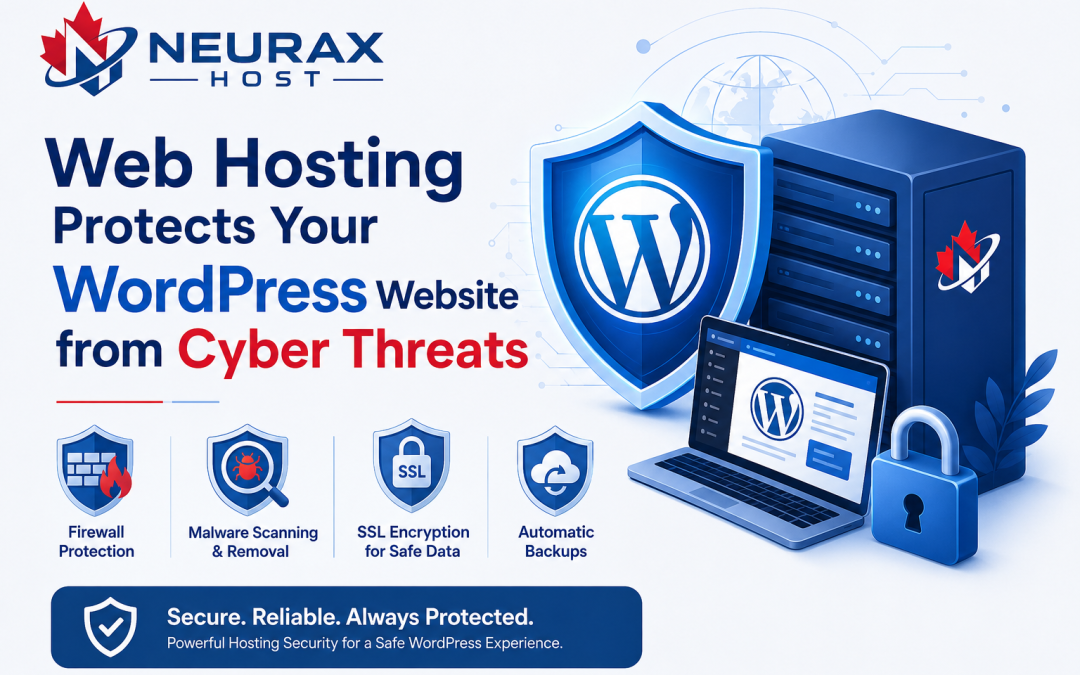
Your WordPress website is always connected to the internet. This means people can visit it anytime, but it also means hackers and harmful software can try to attack it. A weak hosting service can make these attacks easier. Secure Web Hosting helps protect your website with strong security tools. It can block many online threats before they reach your site. Good hosting also keeps your website fast, safe, and available for visitors. Whether you run a blog, business website, or online store, choosing secure hosting is an important step. This guide explains how secure Web Hosting protects your WordPress website from cyber threats in simple words and shows the security features that matter most.
Quick Guide: Secure Web Hosting Security Features
| Security Feature | What It Does | Why It Matters |
| SSL Certificate | Encrypts data between visitors and your website | Keeps personal information safe |
| Malware Scanning | Checks files for harmful software | Finds threats before they spread |
| Malware Removal | Cleans infected files | Helps restore a safe website |
| Firewall Protection | Blocks suspicious traffic | Stops many attacks before they reach your site |
| DDoS Protection | Filters large amounts of fake traffic | Keeps your website online during attacks |
| Daily Backups | Saves a copy of your website every day | Lets you restore your site if something goes wrong |
| Automatic Updates | Updates server software and security tools | Fixes known security problems quickly |
| Secure Server Monitoring | Watches the server all day | Detects unusual activity early |
What Is Secure Web Hosting?
Secure Web Hosting is a hosting service that focuses on protecting websites from online threats. It uses different security tools to reduce the risk of hacking, malware, and data theft. A secure hosting provider does more than store website files. It also watches for suspicious activity, blocks harmful traffic, and helps keep your website running safely.
For WordPress websites, secure hosting is especially important because WordPress is widely used. Popular websites often become targets for hackers looking for outdated software or weak passwords.
How Secure Web Hosting Protects Your WordPress Website
Stops Malware Before It Spreads
Malware is harmful software that can damage your website or steal information. It may slow your website, show unwanted ads, or redirect visitors to unsafe pages. Secure Web Hosting uses automatic malware scanning to check website files regularly. If malware is found, many hosting providers remove or isolate the infected files before the problem becomes larger. Regular malware detection helps reduce downtime and keeps visitors safer.
Blocks Hackers with Firewalls
A firewall acts like a security gate between your website and the internet. It checks incoming traffic and blocks requests that look suspicious. Many hosting providers use Web Application Firewalls (WAF) to stop common attacks such as SQL injection and cross-site scripting (XSS). By blocking harmful requests early, the firewall helps protect your WordPress website from unauthorized access.
Protects Your Website During DDoS Attacks
A Distributed Denial-of-Service (DDoS) attack sends huge amounts of fake traffic to a website. The goal is to slow it down or make it unavailable. Secure Web Hosting includes DDoS protection that filters fake traffic while allowing real visitors to reach your website. This helps keep your business website, blog, or online store available even during traffic attacks.
Why Automatic Backups Are Important
Even with strong security, problems can still happen. A plugin update may fail, files may become corrupted, or malware may damage your website. Daily automatic backups create copies of your website files and database. If something goes wrong, you can restore a previous clean version instead of rebuilding the website from the beginning. Backups also protect your content during server failures or accidental file deletion.
Other Security Features to Look For
Not every hosting company offers the same level of protection. Before choosing a Web Hosting provider, check whether it includes these important features:
- Free SSL Certificate
- Automatic malware scanning
- Malware removal assistance
- Web Application Firewall (WAF)
- DDoS protection
- Daily website backups
- Automatic security updates
- Secure server monitoring
- Strong password protection
- Two-factor authentication for hosting accounts
These features work together to create multiple layers of website security instead of relying on only one protection method.
Best Practices to Keep Your WordPress Website Safe
Secure Web Hosting is one part of website protection. Website owners should also follow good security habits.
- Keep WordPress, themes, and plugins updated.
- Remove plugins you no longer use.
- Use strong and unique passwords.
- Enable two-factor authentication when available.
- Install plugins only from trusted sources.
- Review website activity regularly.
- Limit administrator access to trusted users.
- Scan your website regularly for malware.
Combining secure hosting with these simple habits greatly lowers the chance of security problems.
Cyber threats continue to affect websites of every size, but many attacks can be reduced with the right hosting environment. Secure Web Hosting protects WordPress websites through malware scanning, malware removal, firewall protection, SSL encryption, DDoS protection, daily backups, and continuous server monitoring. These security features work together to protect website files, customer information, and website availability. Choosing a hosting provider that includes strong security tools helps reduce risks and gives website owners greater confidence. When secure hosting is combined with regular WordPress updates and safe password practices, your website has much better protection against common online threats while remaining fast, reliable, and available for visitors.