
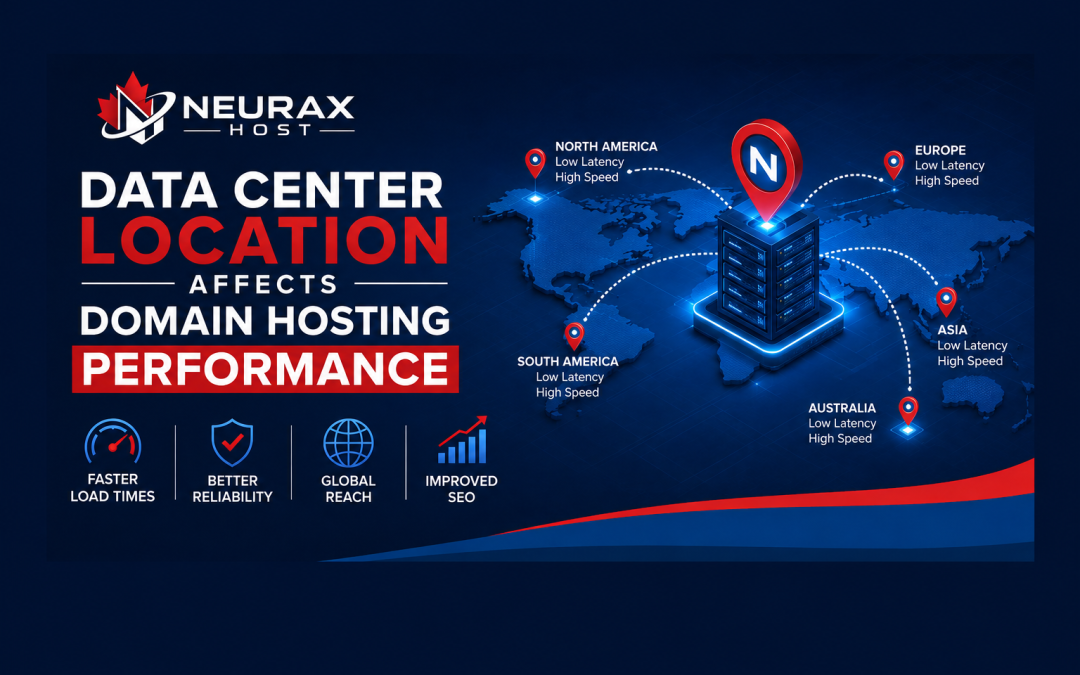
When you buy domain hosting, you may focus on price, storage, uptime, and support. However, data center location can also affect how quickly your website responds to visitors. A server that is closer to your main audience can often reduce network delay and improve the browsing experience.
This matters even more for online stores, business websites, blogs, and web apps. If your visitors are far from the server, every request may need to travel a longer network path. Therefore, choosing the right hosting location can help solve slow response times and support better website performance.
How Data Center Location Affects Domain Hosting Speed
Data center location affects the distance between your visitors and the server that hosts your website. When someone opens a page, their browser sends requests to the server. The server then sends the requested files back to the visitor.
If the server is located close to your users, these requests usually travel a shorter network path. This can reduce network latency, which is the time needed for data to travel between two points.
For example, if most of your customers are in Canada, a Canadian or nearby data center may provide a better connection than a server located on another continent.
However, location is not the only factor. Server hardware, network quality, bandwidth, caching, website code, and database performance also affect speed. A nearby but overloaded server may perform worse than a well-managed server farther away.
Choosing Data Center Location for Your Target Audience
The best data center location usually depends on where most of your website visitors are located. Before choosing a hosting plan, check your website traffic data.
Tools such as Google Analytics and Google Search Console can help you understand where your visitors come from. You may find that most users are in one country, while others are spread across several regions.
For a local business, keeping the server near the main customer base can be useful. For example, a business serving users mainly in Canada may consider hosting in Canada or a nearby North American location.
For a global website, one server location may not be ideal for everyone. In this case, a Content Delivery Network (CDN) can help. A CDN stores copies of static website files on servers in different locations. Visitors can then receive these files from a nearby edge server.
This approach can reduce the effect of long physical distances.
Data Center Location and Website Latency
Website latency is another important part of domain hosting performance. Latency measures the delay between a request and a response.
A website may have excellent hosting hardware but still feel slower to users who are very far from the server. This is especially important for websites that require many server requests.
Lower latency can help pages start responding faster. It can also improve interactive features such as login systems, search tools, online stores, and web applications.
Still, you should not expect a faster data center location to fix every speed problem. Large images, poorly written code, too many plugins, slow databases, and missing caching can also make a website slow.
That is why good website performance needs a complete approach.
Data Center Location, Reliability, and Security
Location is also connected to data center reliability and security. A modern data center should have strong physical security, backup power, cooling systems, network redundancy, and monitoring.
A good hosting provider may operate data centers with multiple network connections. If one connection has a problem, another route may help keep services available.
Geographic location can also matter during natural disasters, power problems, or major network outages. For important websites, using infrastructure in different regions can reduce dependence on one physical location.
Security is equally important. Look for hosting providers that use firewalls, DDoS protection, access controls, regular backups, and other security measures.
However, the data center alone does not secure your website. You should also use strong passwords, multi-factor authentication, updated software, secure plugins, and regular backups.
How to Choose the Right Data Center Location for Hosting
Choosing the right data center location does not mean simply picking the closest server. You should look at the full hosting environment.
First, identify where most of your visitors live. Next, check the provider's server locations and network quality. Then, compare uptime, server resources, backup systems, security features, and customer support.
If your audience is spread across many countries, consider using a CDN with your hosting plan. A CDN can help deliver images, CSS, JavaScript, and other static files from locations closer to visitors.
You should also test your website after moving to a new server. Check page loading speed, server response time, uptime, and real user performance.
Data center location affects domain hosting performance because physical distance can influence network latency and response times. A server closer to your main audience can provide a better starting point for fast website delivery.
However, location is only one part of hosting performance. Reliable infrastructure, modern server hardware, caching, network quality, security, and website optimization all matter.
By matching your hosting location with your audience and using tools such as CDNs when needed, you can build a faster, more reliable, and user-friendly website.