
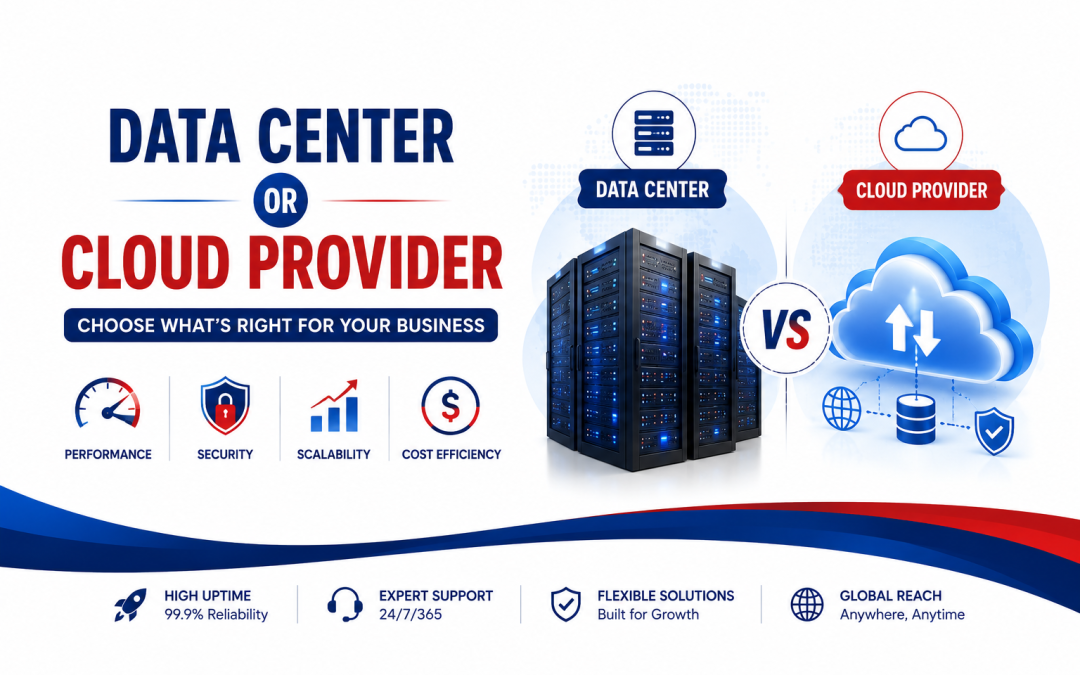
Choosing the right infrastructure is an important decision for any business that depends on websites, applications, databases, or online services. Two common choices are a traditional data center and a cloud provider. Both can deliver reliable computing resources, but they work differently and suit different business needs.
The best option depends on factors such as workload, budget, scalability, security, performance, technical expertise, and future growth. Understanding these differences can help avoid unnecessary costs and infrastructure problems.
Data Center vs. Cloud Provider: What Is the Difference?
A data center is a physical facility that houses servers, storage systems, networking equipment, power systems, cooling, and security infrastructure. Businesses can own their servers or rent dedicated equipment from a hosting provider operating inside a data center.
A cloud provider, on the other hand, delivers computing resources through a virtualized infrastructure. Businesses can typically provision virtual machines, storage, databases, networking, and other services when needed.
The biggest difference is how resources are managed and consumed.
With a traditional data center setup, businesses generally have more direct control over physical hardware. This can be useful for specialized workloads, predictable resource requirements, or applications that require specific hardware configurations.
Cloud infrastructure offers greater flexibility. Resources can often be increased or reduced as business requirements change.
Neither option is automatically better. The right choice depends on what the business needs today and where it expects to be in the future.
When Should a Business Choose a Data Center?
A data center can be a strong choice when control, hardware customization, and predictable workloads are important.
For example, a business running a stable application with consistent traffic may benefit from dedicated servers. Instead of continuously adjusting cloud resources, the company can use fixed hardware designed around its workload.
A data center may also make sense when an organization needs:
- Dedicated CPU, RAM, and storage resources
- Specialized hardware or networking equipment
- Consistent and predictable performance
- Greater control over the physical infrastructure
- Specific compliance or data-location requirements
- Long-term infrastructure planning
Dedicated infrastructure can also provide predictable resource allocation because workloads are not sharing the same physical resources in the way some virtualized environments do.
However, physical infrastructure requires planning. Hardware upgrades, maintenance, replacement, power requirements, networking, and capacity management all need attention.
This makes data-center infrastructure particularly suitable for businesses that have technical teams capable of managing infrastructure or have a managed hosting partner handling these responsibilities.
When Is Cloud Hosting the Better Choice?
Cloud infrastructure is often attractive to businesses that value speed, flexibility, and scalability.
A startup, for example, may not know how much traffic its website or application will receive six months from now. Purchasing large amounts of physical hardware could create unnecessary upfront costs.
Cloud infrastructure allows businesses to start with the resources they need and expand as demand increases.
Cloud hosting can be especially useful for:
- Growing websites and applications
- SaaS platforms
- E-commerce businesses with changing traffic
- Development and testing environments
- Businesses operating across multiple regions
- Applications requiring rapid resource scaling
- Teams that want infrastructure deployed quickly
Another advantage is operational flexibility. Development teams can create environments, test applications, deploy updates, and adjust resources without waiting for physical hardware to be purchased and installed.
However, cloud hosting is not automatically cheaper. Poor resource management can lead to unnecessary spending. Unused virtual machines, excessive storage, oversized databases, and inefficient workloads can increase monthly costs.
Therefore, cloud infrastructure works best when businesses actively monitor usage and optimize resources.
Compare Performance, Security, Cost, and Scalability
Before making a decision, compare both options against the actual business requirements.
Performance: Dedicated hardware can provide predictable performance for workloads with consistent resource requirements. Cloud infrastructure can also provide strong performance, but configuration and resource allocation matter.
Scalability: Cloud generally has an advantage when resources need to change quickly. Traditional infrastructure can scale too, but adding physical capacity may take more planning and time.
Security: Security depends heavily on configuration and management. A data center may provide physical security, redundant power, fire protection, and controlled access. Cloud providers typically offer security tools such as identity controls, network security, encryption, monitoring, and backup services. The business is still responsible for correctly configuring many of these controls.
Cost: Do not compare only the monthly server price. Consider hardware, licenses, support, administration, backups, networking, migration, monitoring, power, and future upgrades.
Reliability: Look for redundancy in power, networking, storage, and connectivity. Ask about uptime commitments, backup procedures, disaster recovery, and incident response.
A useful approach is to calculate the total cost of ownership (TCO) rather than choosing based on the cheapest initial price.
How to Choose the Best Option for Your Business
Start by identifying the workload rather than choosing infrastructure based on popularity.
Ask these questions:
How predictable is the workload?
Stable workloads may benefit from dedicated infrastructure, while unpredictable workloads can benefit from cloud scalability.
How quickly will the business grow?
Fast-growing businesses may prefer infrastructure that can be expanded without major hardware changes.
How much technical control is required?
Businesses with specialized hardware or strict infrastructure requirements may prefer dedicated data-center solutions.
What level of management is available?
If there is a strong technical team, managing infrastructure may be practical. Businesses without dedicated infrastructure expertise may benefit from managed services.
What are the security and compliance requirements?
Determine where data must be stored, who can access it, how backups are handled, and what security controls are required.
What is the real budget?
Consider both current expenses and future costs. A solution that looks inexpensive initially may become costly as traffic, storage, or administration requirements increase.
For some businesses, the answer may not be either-or. A hybrid approach can combine dedicated infrastructure with cloud services. Critical workloads can remain on dedicated servers while cloud resources handle backups, development environments, seasonal traffic, or additional capacity.
Ultimately, the best infrastructure is the one that delivers the right balance of performance, security, reliability, scalability, control, and cost.
Instead of asking, “Which is better—data center or cloud?” ask, “Which infrastructure matches this business’s workload and growth plan?” That shift makes the decision more practical and helps build an infrastructure strategy that can support the business for years.