
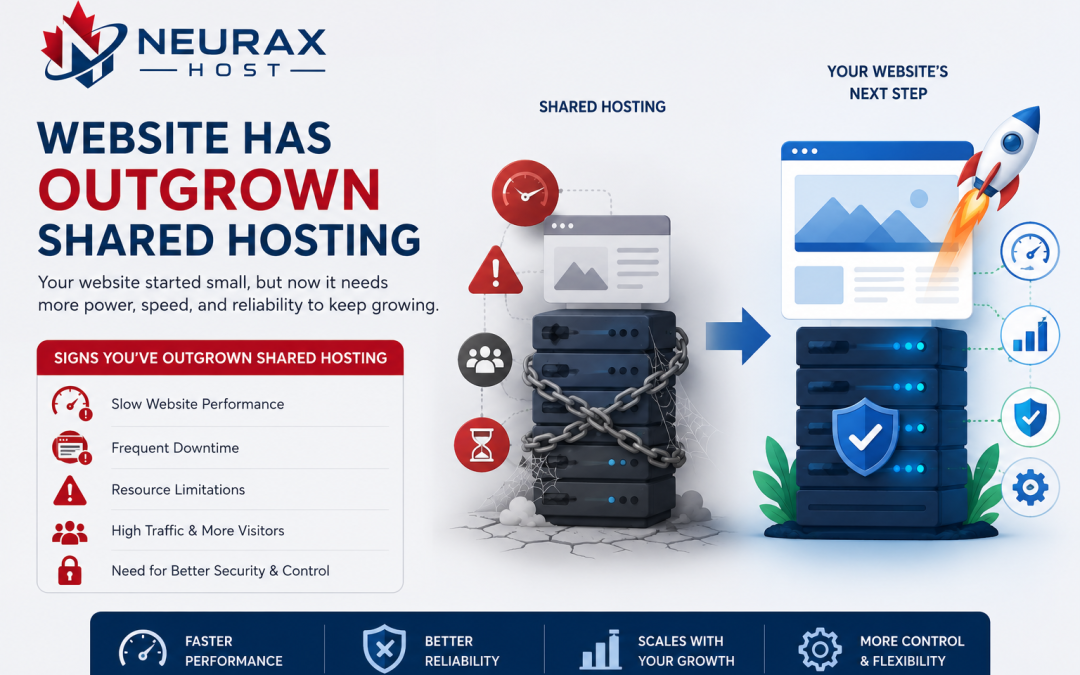
Shared hosting is often the starting point for many websites because it is affordable, easy to manage, and sufficient for low to moderate traffic levels. However, as a website grows, its resource requirements change. More visitors, larger databases, additional features, and increased content can place greater demands on the hosting environment.
The challenge is that website owners do not always recognize when shared hosting is no longer meeting their needs. Instead, they may assume slow performance or occasional downtime is normal. In reality, these issues often signal that the website has reached the limits of its hosting plan.
So, what performance signs show that your website has outgrown shared hosting? Understanding these indicators can help you upgrade at the right time and maintain a positive experience for your visitors.
Why Shared Hosting Has Performance Limits
Shared hosting works by placing many websites on a single server. All users share resources such as CPU power, memory, storage, and bandwidth. When your website is new, resource usage is usually low, making shared hosting a practical choice. However, as traffic and functionality increase, your website requires a larger portion of the server’s resources.
Eventually, the limitations of a shared environment become noticeable, especially when other websites on the server are also consuming resources. Recognizing these signs early can prevent lost traffic, frustrated visitors, and reduced conversions.
Your Website Loads Noticeably Slower Than Before
One of the earliest signs that shared hosting is struggling is a gradual decline in website speed.
You may notice:
- Pages taking longer to load
- Delays when navigating between pages
- Slower image loading
- Increased waiting times during peak traffic periods
Website speed directly affects user experience. Studies consistently show that visitors are more likely to leave websites that load slowly. If performance has declined despite optimizing images, plugins, and website code, your hosting environment may be the limiting factor.
Traffic Spikes Cause Performance Problems
A healthy website should be able to handle moderate traffic increases without significant issues.
However, if a temporary surge in visitors causes:
- Slow page loading
- Server errors
- Website crashes
- Temporary unavailability
then your hosting resources may no longer be sufficient.
Shared hosting environments often struggle with sudden traffic increases because server resources are distributed among multiple users. As your audience grows, traffic spikes become more common, making this issue increasingly noticeable.
Frequent Resource Limit Warnings
Many hosting providers monitor resource consumption and notify users when limits are approached or exceeded.
Common warnings involve:
- CPU usage limits
- Memory usage limits
- Entry process limits
- Disk input/output restrictions
Receiving occasional notifications is not unusual. However, frequent warnings suggest your website is consistently demanding more resources than your hosting plan provides.
These alerts are among the clearest indicators that it may be time to consider an upgrade.
Comparison of Website Behavior Before and After Outgrowing Shared Hosting
| Performance Area | Healthy Shared Hosting Environment | Website Outgrowing Shared Hosting |
| Page Load Speed | Fast and consistent | Increasingly slow |
| Traffic Handling | Stable under normal traffic | Struggles during traffic spikes |
| Resource Usage | Well within limits | Frequently exceeds limits |
| Uptime | Consistent availability | More frequent interruptions |
| User Experience | Smooth navigation | Delays and occasional errors |
| Scalability | Room for growth | Growth restricted |
This comparison helps illustrate how performance changes as resource demands increase.
Increasing Downtime and Availability Issues
Reliable uptime is critical for any website. Visitors expect access at any time, whether they are browsing information, submitting forms, or making purchases.
When shared hosting resources become insufficient, you may notice:
- Random downtime
- Temporary server unavailability
- Error pages during busy periods
- Service interruptions without warning
Even brief outages can negatively affect customer trust and search engine rankings. If downtime is becoming more common, the issue may be linked to hosting limitations rather than website configuration.
Slow WordPress Dashboard or Admin Area
Website owners often focus on front-end performance, but the administration area can reveal hosting issues as well.
Signs include:
- Delayed login times
- Slow page editing
- Long plugin update processes
- Lag when publishing content
A sluggish administration panel often indicates resource constraints affecting the entire hosting account. As websites become larger and more complex, these delays become increasingly noticeable.
Database Queries Take Longer to Process
Most modern websites rely heavily on databases to store content, user information, product details, and settings. As data grows, database activity increases.
Common symptoms include:
- Slow search functionality
- Delayed product filtering
- Longer page generation times
- Slower content management operations
If database performance deteriorates despite optimization efforts, shared hosting resources may be reaching their limits.
E-Commerce Transactions Begin Slowing Down
For online stores, performance issues directly affect revenue.
Potential warning signs include:
- Slower checkout processes
- Delayed shopping cart updates
- Payment gateway interruptions
- Product pages loading slowly
Customers expect smooth transactions. Even minor delays can increase cart abandonment rates. If your store is attracting more customers and processing more orders, shared hosting may no longer provide sufficient performance.
Backup and Maintenance Tasks Take Much Longer
Website backups, updates, and maintenance activities require server resources. As websites expand, these tasks become more demanding.
You may notice:
- Longer backup completion times
- Delayed plugin updates
- Slower file uploads
- Increased maintenance windows
While occasional delays are normal, significant increases often indicate growing resource pressure.
Website Monitoring Shows Performance Variability
Performance should remain reasonably consistent throughout the day.
If monitoring tools reveal:
- Large fluctuations in page speed
- Inconsistent server response times
- Significant slowdowns during peak hours
your website may be affected by shared resource competition.
This variability becomes more common when a website is approaching or exceeding the limits of its hosting environment.
Security and Resource Demands Continue Growing
As websites become more successful, they often add:
- Security plugins
- Monitoring tools
- Advanced analytics
- Customer portals
- Membership systems
While these features improve functionality, they also increase resource consumption.
A hosting plan that worked perfectly a year ago may no longer be suitable after substantial growth and feature expansion.
Your Website Has Expanded Beyond Its Original Purpose
Many websites evolve over time. A simple business website may eventually include:
- Blogs
- E-commerce functionality
- Appointment booking systems
- Customer account portals
- Multimedia content
Each new feature increases resource demands. If your website now performs significantly more functions than when it launched, shared hosting may no longer align with its requirements.
When Upgrading Makes More Sense Than Optimizing
Optimization can improve performance, but it has limits.
If you have already:
- Optimized images
- Enabled caching
- Reduced unnecessary plugins
- Improved database efficiency
- Used a CDN
and performance issues persist, the underlying problem may be insufficient hosting resources rather than website inefficiency. At this stage, upgrading often provides greater benefits than further optimization efforts.
Choosing the Next Hosting Step
Once shared hosting becomes restrictive, common upgrade paths include:
VPS Hosting
Provides dedicated resources and improved control while remaining relatively affordable.
Cloud Hosting
Offers scalability and flexibility, making it suitable for growing websites with changing traffic patterns.
Managed Hosting
Provides performance optimization and maintenance assistance for specific platforms such as WordPress.
The best option depends on your website’s size, traffic levels, and technical requirements.
Shared hosting serves as an excellent starting point for many websites, but every successful website eventually reaches a stage where greater resources are needed. Slow loading times, traffic-related performance issues, resource warnings, downtime, and administration delays are all strong indicators that your website may have outgrown its current hosting environment.
Rather than waiting for performance problems to impact visitors and business results, it is wise to monitor these signs closely. Recognizing them early allows you to upgrade strategically and maintain a fast, reliable, and professional online presence. In many cases, outgrowing shared hosting is actually a positive milestone—it often means your website is attracting more visitors, generating more activity, and moving toward its next stage of growth.