
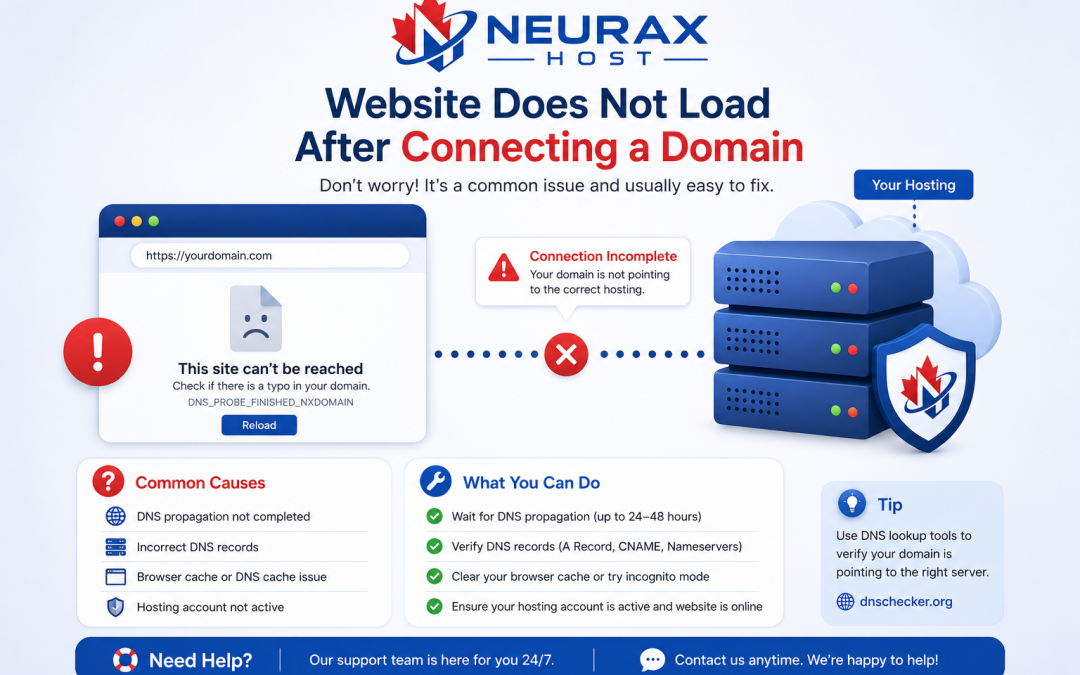
After you connect a domain to hosting, quite a few customers experience a situation where their site won’t load correctly. In most cases, this issue stems from DNS settings, server settings, or the propagation time. Knowledge of the technical aspects will allow you to better diagnose and resolve the problem.
1. DNS Misconfiguration and Incorrect Nameservers
DNS misconfiguration is a leading cause. If the nameservers are not properly directed towards your hosting company, the domain will not be linked to the right server.
Typical problems comprise:
- Wrong nameserver information
- No A records or A records with wrong IP addresses
- Incorrect CNAME records
Such mistakes stop the domain from resolving correctly, displaying errors like “server not found” or “DNS_PROBE_FINISHED_NXDOMAIN”.
2. DNS Propagation Delay and Cache Issues
Once you’ve changed your DNS records, the updates have to reach all DNS servers worldwide. This process is called DNS propagation and might last 24, 48 hours.
Meanwhile:
- The site may be accessible only occasionally
- Some users may get old version or error pages
- Local DNS caches hold on to outdated data
Though clearing one’s browser cache or doing a DNS flush helps, only after propagation is done users will see uniform access.
3. Incorrect Hosting Configuration and Server Errors
One more area that could fail to deliver the website is if the hosting config is wrong while DNS is fine.
Here are some causes on the tech side:
- Wrong main folder for site files (usually public_html)
- Absent or deleted main page file (index.php / index.html)
- Faulty server setup (Apache/Nginx problems)
The consequences might be 403 Forbidden, 500 Internal Server Error or even empty pages.
4. SSL Certificate and HTTPS Configuration Problems
Installing the SSL certificate is not enough to ensure the proper functioning of HTTPS for your site, if it’s not done properly the site will not load at all.
Besides that, below you find examples of frequent SSL problems:
- Certificate beyond the valid period or not recognized
- Errors due to a combination of secure and unsecure content
- Wrong redirect to HTTPS
Browsers may display warning dialogs and in some cases prevent access to the site. This not only reduces user trust, but also results in SEO deterioration.
5. Domain not properly linked or hosting suspended
Sometimes it happens that a domain is not correctly set up in the hosting control panel (like cPanel or Plesk).
Other possible reasons:
- Domain was not given to a hosting account
- Hosting account is suspended or expired
- Bandwidth or resource limits have been exceeded
Even if the DNS settings are correct, your website may be inaccessible due to these issues.
Diagnose and Fix Website Loading Issues Quickly and Effectively
If a website doesn’t load after domain connection, the first things to suspect are usually DNS errors, propagation delay, server misconfiguration, or SSL issues. You can resolve most problems in no time by checking nameservers, verifying DNS records, reviewing hosting settings, and ensuring SSL is properly configured.
Being aware of these technical elements will help you to keep your website deployment smooth and your domain working without any glitches in the hosting environment.