
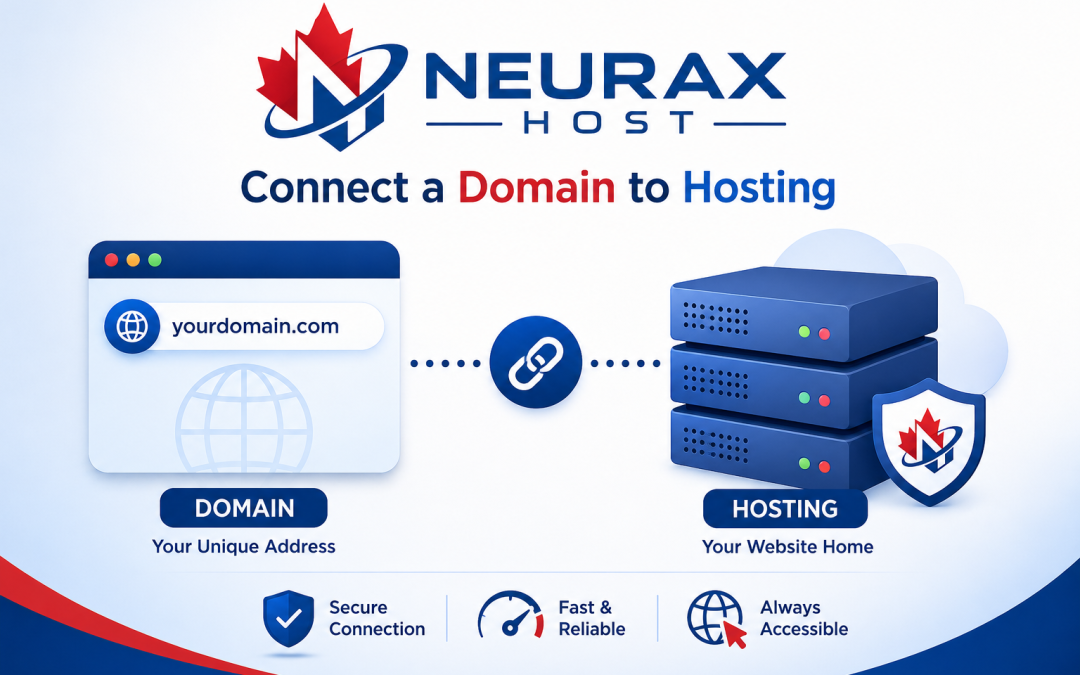
Connecting a domain to hosting is a key step in making a website live. No matter if you are creating a blog, business website, or portfolio, grasping how domain configuration and hosting integration work will make sure your website gets online and is accessible to users.
1. Learning about Domain Name System (DNS) and Hosting Servers
Before linking your domain, you need to figure out what the Domain Name System (DNS) is all about. A domain name (e.g., yourwebsite.com) corresponds to a hosting server with your site files. DNS is what converts your domain into an IP address so that browsers can find your website.
Your hosting service provider will give you nameservers or IP addresses which you have to link to your domain registrar. This setup guarantees correct routing of your domain and accessibility of your website.
2. Changing Nameservers in Domain Settings
Updating nameservers is the most straightforward way to connect a domain to hosting. Your hosting company will send you nameserver info (e.g., ns1.hosting.com, ns2.hosting.com).
Procedure:
- Sign in to your domain registrar account
- Navigate to DNS management or domain settings
- Swap old nameservers for hosting nameservers
- Confirm the update
Leaving it up to your hosting provider to handle all DNS records this way offers great convenience, and it’s perfect for newbies.
3. Attach Domain Through DNS Records (A Record Approach)
Typically, sophisticated users choose to connect through DNS records, particularly if they are integrating their sites with third-party services like email hosting or CDN.
Instructions:
- Go to the DNS zone editor in your domain account
- Find the A record
- Type in the IP address of your hosting server
- Confirm the update
For further domain configurations and more precise server management, you can additionally set up CNAME records for subdomains such as www.
4. DNS Propagation and Website Connection Testing
Changes made after updating nameservers or DNS records will not be in effect immediately. This linger is known as DNS propagation and usually takes 24-48 hours.
During this time:
- Your website may load inconsistently
- Some users may see the old site or errors
To check if your domain is connected:
- Use online DNS checker tools
- Try accessing your domain in different browsers
- Clear browser cache if needed
Ensure Proper Domain-Hosting Integration
Connecting a domain to hosting is a straightforward process when you understand DNS settings, nameservers, and A records. Always double-check your configurations and allow time for propagation. Proper domain-hosting integration ensures your website is live, accessible, and ready for users worldwide.
By mastering these technical steps, you can confidently manage your website infrastructure and avoid common connection issues.